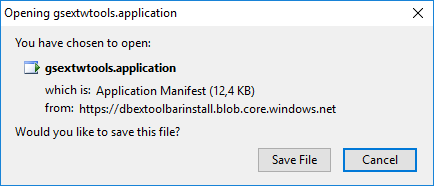
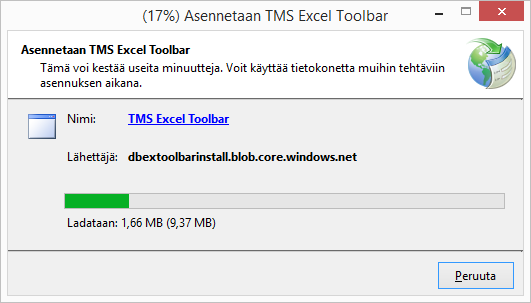
Verification dialogue to start downloading the Toolbar update.
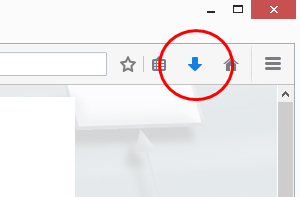
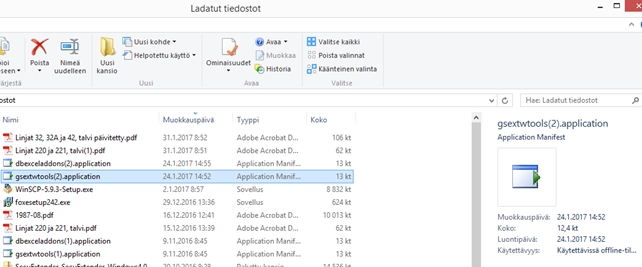
- after the update file has been saved, it needs to be executed from the Downloads directory of the PC. The directory can be access e.g. from the browsers download button, see Figure 21 below. That opens the downloads directory of the PC
-
Accessing the downloads -directory from Mozilla Firefox browser.
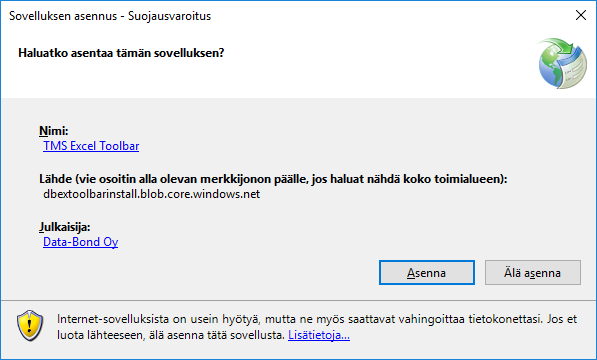
- the update is finished by double clicking the gsextwtools.application file from the downloads directory